🎮 Game Lobby
Browse game categories and view the main home screen.

Version 3.4.0
⬇ DOWNLOAD APKExplore the KE9 game interface, screenshots, sign-in steps and commonly asked questions in one place.
Download opens an external invitation page. Verify the source and app permissions before installing.
KE9 features a mobile gaming interface with a game lobby, account area and separate deposit and withdrawal screens. The screenshots below were provided for this guide; availability and app features may change.
Browse game categories and view the main home screen.
See how the app's menus and account controls are arranged.
Learn where the registration and sign-in options appear.
The home/lobby screen is the starting point for exploring categories. The available games and their rules depend on the live app version; review each game's own instructions before playing.
An offers screen is visible in the supplied images. Promotions may have eligibility, expiry, verification and wagering conditions. Read the live terms; a banner is not a promise of payment.
Use the account menus to review any available settings. Keep your password and one-time verification codes private, and verify the website address before entering details.
Swipe sideways to see screenshots from the supplied KE9 app images.
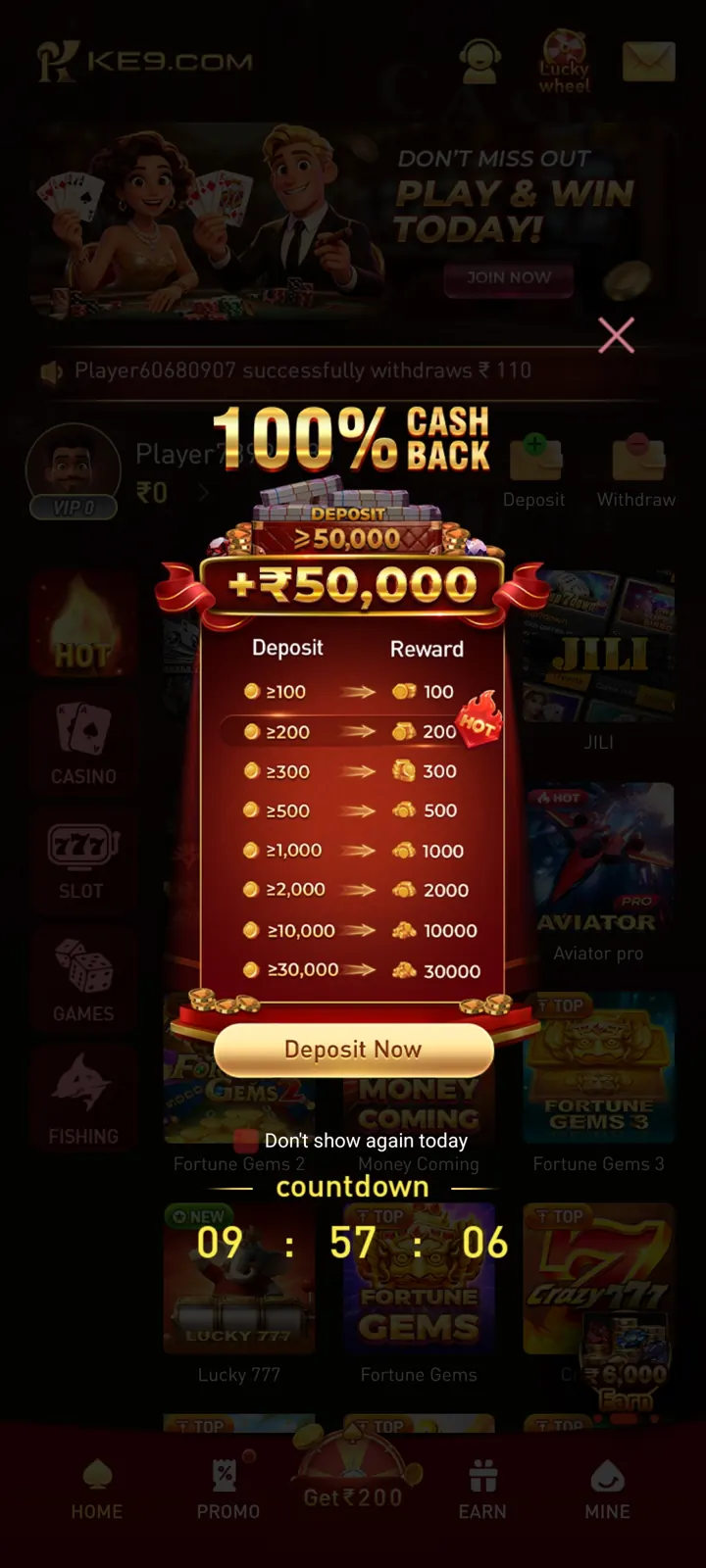
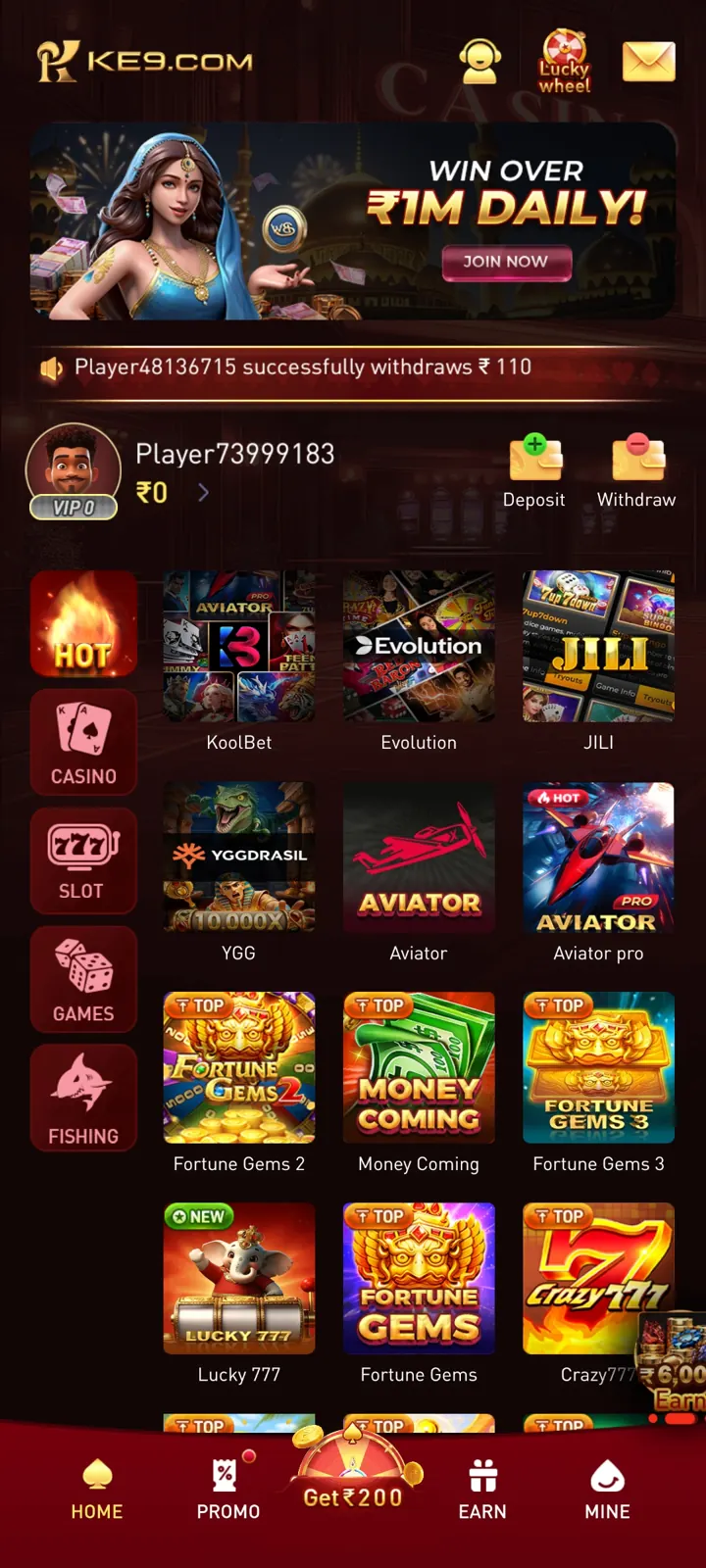
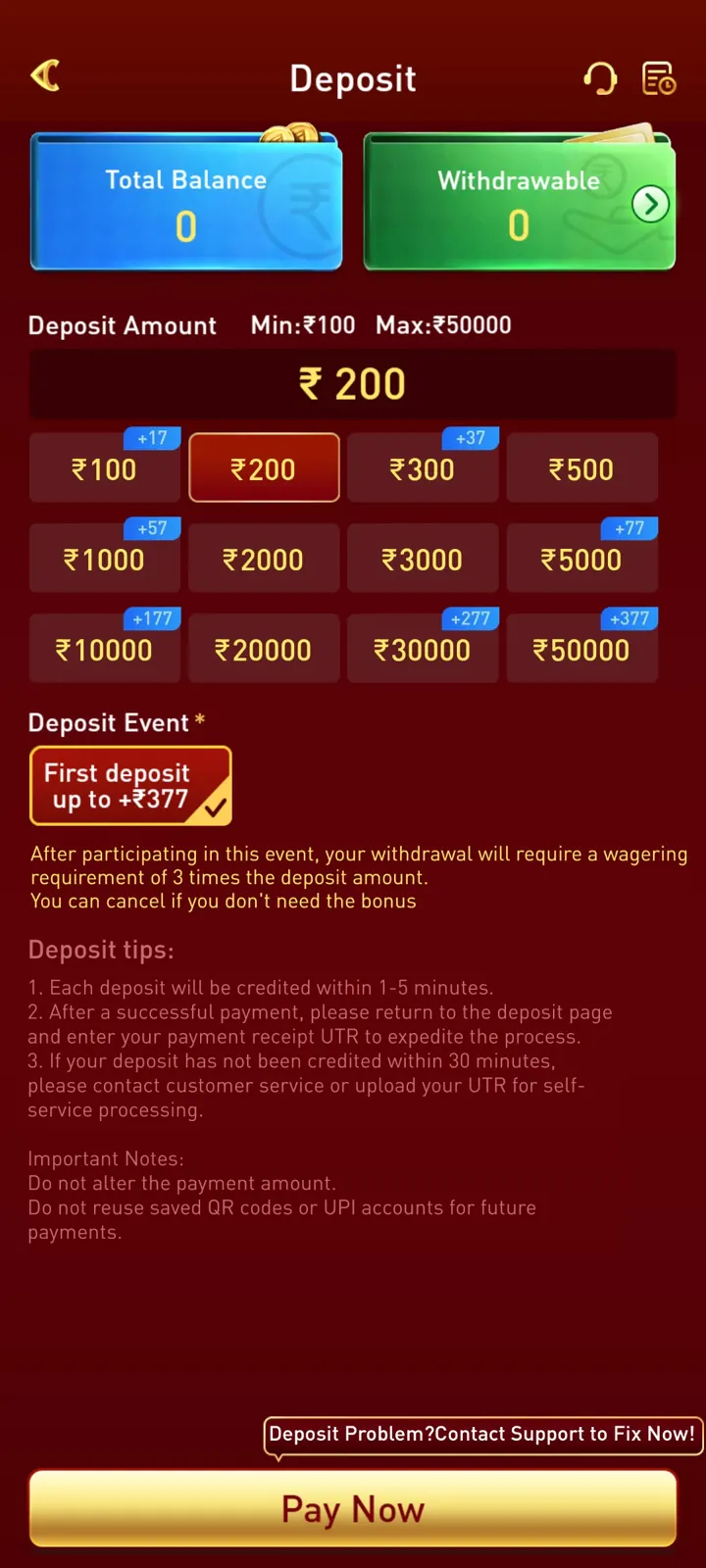
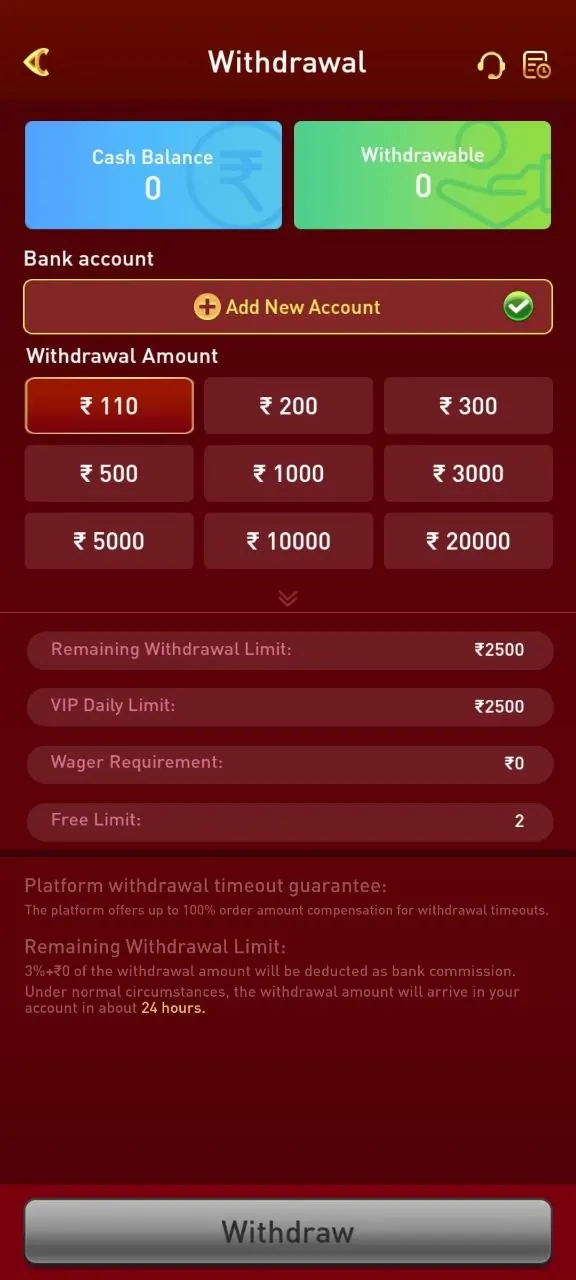

This is a visual guide only. Use the official service's instructions and review its terms before creating an account.
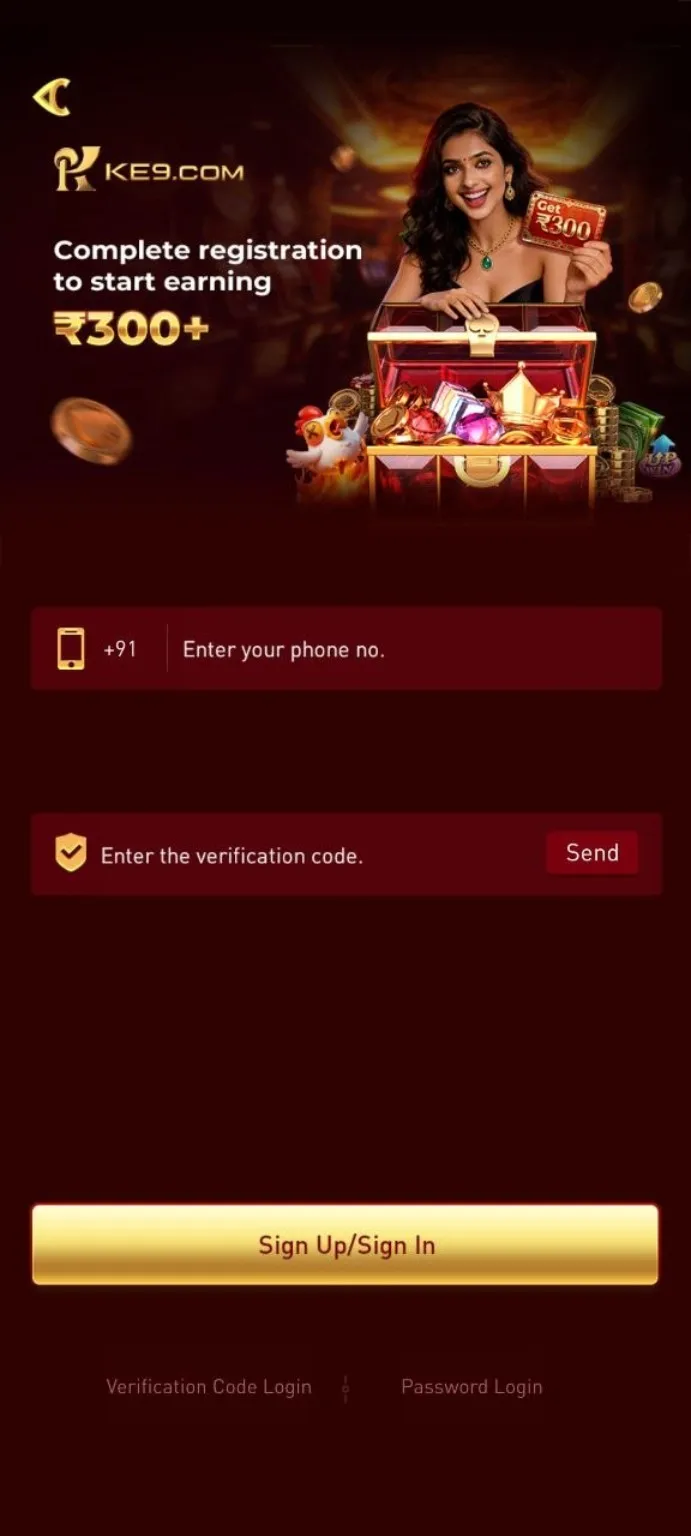
The supplied login screenshot shows a phone number field, verification code field, and Sign Up / Sign In button. Never share verification codes with anyone.
OPEN REGISTRATIONUse the download or registration button to open the external invitation page.
Check the website address, applicable age restrictions and terms before continuing.
If eligible, follow the service's phone verification or password login instructions.
After signing in, explore the home screen and available menus.
The supplied screenshots include separate deposit and withdrawal interfaces. The exact payment methods, processing times, limits, fees and verification requirements are not independently confirmed and may change.
Open the account or wallet area, locate the deposit screen, and read the currently displayed methods, minimums, fees and terms. Do not transfer funds to unverified personal accounts.
Find the withdrawal screen and review any displayed balance, identity verification, account details, limits and status. A withdrawal screen does not establish that a payout will succeed.
Check whether the service is lawful where you live, confirm age eligibility, and understand that real-money gaming can result in financial loss.
Save relevant transaction records and contact the service's verified support channel. Never disclose an OTP, password or full banking credentials.
KE9 is a mobile gaming service shown in the supplied app screenshots. This page provides an independent overview, not an official service page.
The Download APK button at the top opens the supplied external invitation page. Confirm the source is trustworthy before downloading any app.
The supplied screen shows phone verification and password login options. Follow the current instructions displayed by the service.
No. Promotional banners are not a guarantee of earnings or eligibility. Review the current terms and conditions.
No. This is an independent informational website and may contain referral links.
The screenshots show a deposit interface, but methods, limits and charges are not verified. Check the live service's terms before sending money.
No verified processing time is available from the supplied images. Review the service's current withdrawal rules and contact its verified support for a specific transaction.
The supplied screenshots show a mobile-style interface. Device compatibility, APK availability and app safety have not been independently verified.
Rules vary by jurisdiction and game type. Check applicable local laws and the service's eligibility terms before participating.